

2·
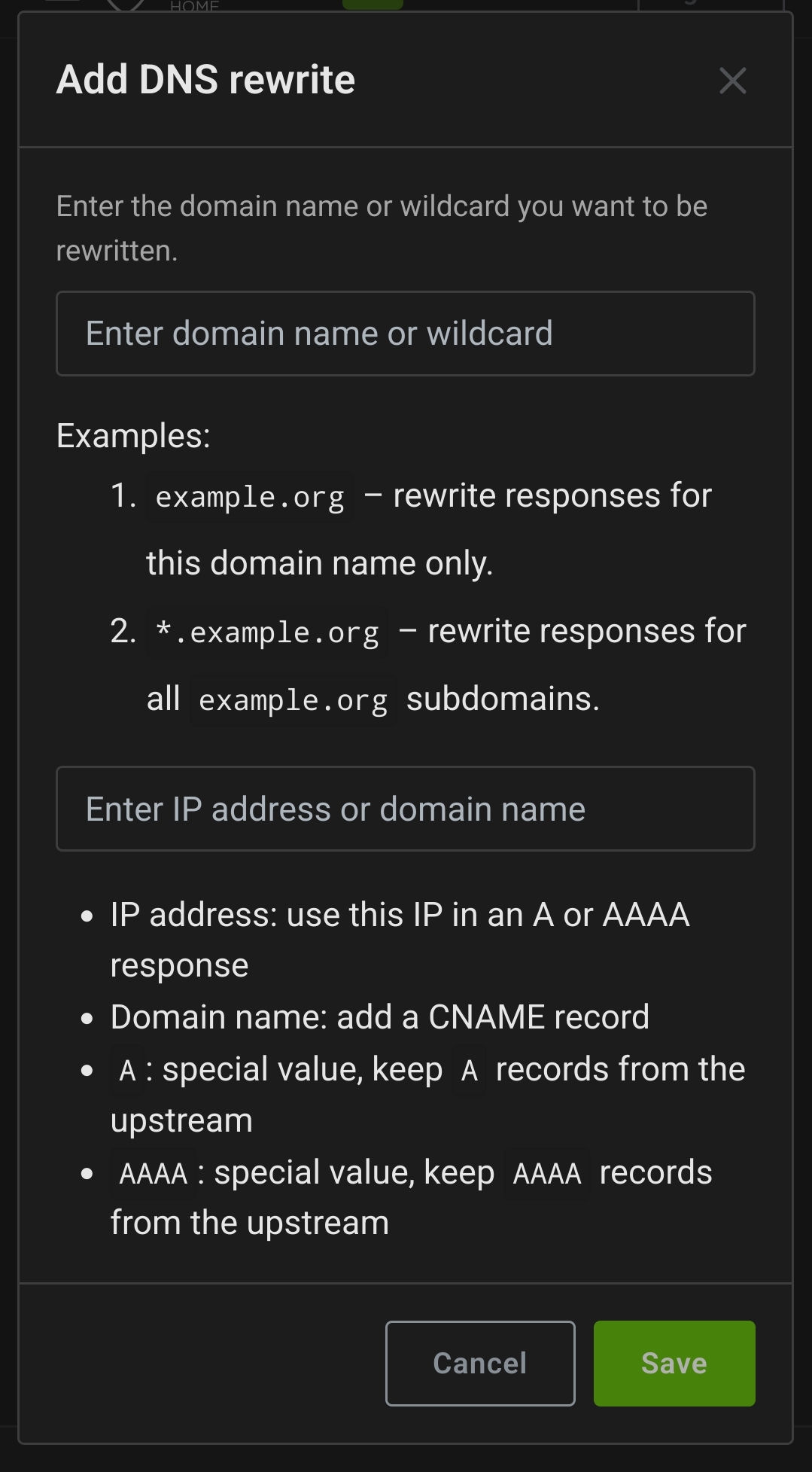
10 months agoYou don’t need 2 reverse proxies as others have said. What I did is just add a DNS rewrite entry in my adguardhome instance to point my domain.tld to the LAN IP of my reverse proxy.
You don’t need 2 reverse proxies as others have said. What I did is just add a DNS rewrite entry in my adguardhome instance to point my domain.tld to the LAN IP of my reverse proxy.
I use some generic names.
I ran a podman quadlet setup as a test some time ago. My setup was a little like this:
If you create a new network in podman you can access other containers and pods in the same network with their name like so container_name:port or pod_name:port. This functionality is disabled in the default network by default. This works at least in the newer versions last I tried, so I have no idea about older podman versions.
For auto-updates just add this in your .container file under [] section:
[Container]
AutoUpdate=registry
Now there’s two main ways you can choose to update:
podman-auto-update.timer to enable periodic updates similar to watchtowerpodman auto-update manually# Check for updates
podman auto-update --dry-run
# Update containers
podman auto-update
If you run adguard home it’s pretty easy. Just add a DNS rewrite to your local IP.
How are you running nginx and immich exactly? With containers or on the host?
I don’t know nixos that much but that looks like nixos configuration to me, so it’s running on the host I assume?
Some feeds I follow
Do you actually need to move the admin ui off of port 80/443 if you are just forwarding ports? I don’t think you need to. That said I actually don’t know much about port forwarding since I use Tailscale because of CGNAT.
My understanding of port forwarding is that you are forwarding connections to your WAN IP/port to a LAN IP/port. Since the router admin ui is available only on LAN by default, you don’t need to change it’s port from 80/443.